pointerInput dragAmount
Prerequisites:
dragAmount
dragAmount跟draggable一樣,都是拖曳的「差距」,不同的是,dragAmount有提供x軸、y軸,不用像draggable需要指定orientation是水平或垂直。
dragAmount.x
dragAmount.y
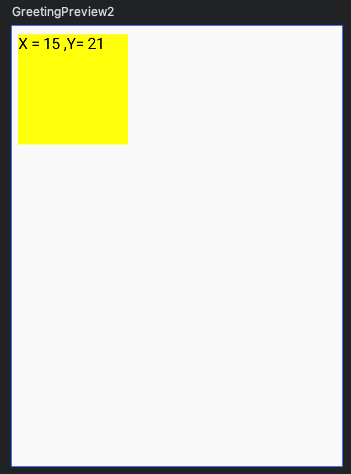
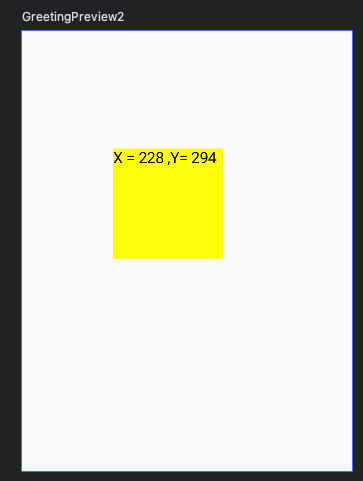
完整程式碼:
1
2
3
4
5
6
7
8
9
10
11
12
13
14
15
16
17
18
19
20
21
22
@Composable
fun PointInputExample1() {
  var offsetX by remember { mutableStateOf(0f) }
  var offsetY by remember { mutableStateOf(0f) }
  Column {
    Box(
      modifier = Modifier
        .size(100.dp)
        .offset { IntOffset(offsetX.roundToInt(), offsetY.roundToInt()) }
        // background() 一定要放在offset之後
        .background(Color.Yellow)
        .pointerInput(Unit) {
          detectDragGestures { change, dragAmount ->
            offsetX += dragAmount.x
            offsetY += dragAmount.y
          }
        }
    ) {
      Text("X = ${offsetX.roundToInt()} ,Y= ${offsetY.roundToInt()}")
    }
  }
}