Flex Expanded
Flex 組件通常與 Expanded 搭配。
Flex:
| 屬性 | 說明 |
|---|---|
| direction 拉伸方向 | Axis.vertical垂直,Axis.horizontal水平 |
| mainAxisAlignment主軸 | 跟 direction 一樣 |
| crossAxisAlignment交叉軸 | direction的相反 |
| children | 子元素 |
Expanded flex屬性,等比例分配空間。
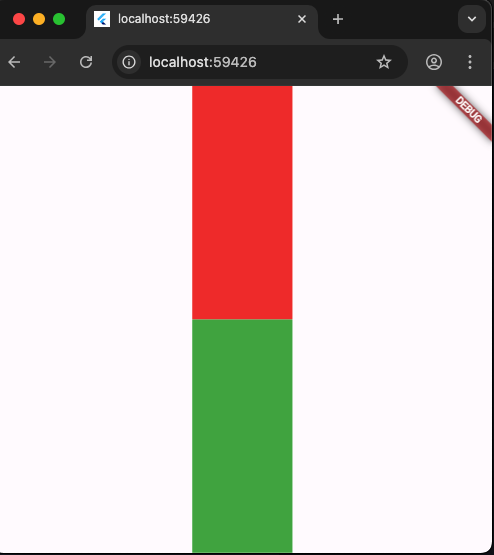
以下direction方向是垂直拉伸,二個Expanded組件的flex為1,占據空間比例為1:1,代表垂直空間均分。
1
2
3
4
5
6
7
8
9
10
11
12
13
14
15
16
17
18
19
20
21
22
23
24
25
26
27
28
29
30
31
import 'package:flutter/material.dart';

void main() {
  runApp(MainPage());
}

class MainPage extends StatelessWidget {
  const MainPage({Key? key}) : super(key: key);

  @override
  Widget build(BuildContext context) {
    return MaterialApp(
        home: Scaffold(
      body: Container(
        width: double.infinity,
        height: double.infinity,
        child: Flex(
          direction: Axis.vertical,
          children: [
            Expanded(
                flex: 1,
                child: Container(color: Colors.red, width: 100, height: 100)),
            Expanded(
                flex: 1,
                child: Container(color: Colors.green, width: 100, height: 100))
          ],
        ),
      ),
    ));
  }
}
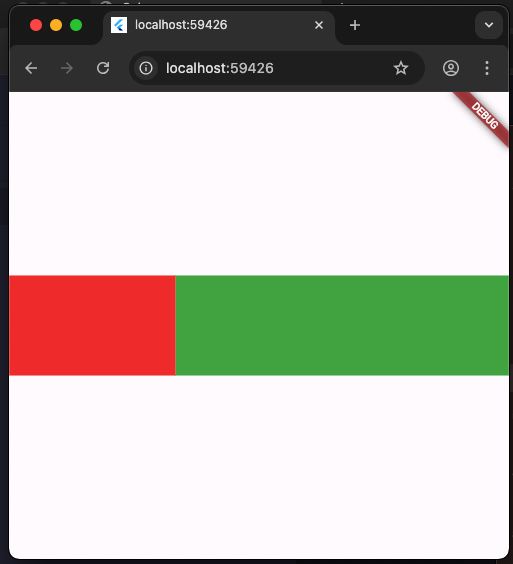
以下direction為水平拉伸,二個Expanded組件占的空間為1:2,也就是紅色占1/3,綠色占2/3。
1
2
3
4
5
6
7
8
9
10
11
12
13
14
15
16
17
18
19
20
21
22
23
24
25
26
27
28
29
30
31
import 'package:flutter/material.dart';

void main() {
  runApp(MainPage());
}

class MainPage extends StatelessWidget {
  const MainPage({Key? key}) : super(key: key);

  @override
  Widget build(BuildContext context) {
    return MaterialApp(
        home: Scaffold(
      body: Container(
        width: double.infinity,
        height: double.infinity,
        child: Flex(
          direction: Axis.horizontal,
          children: [
            Expanded(
                flex: 1,
                child: Container(color: Colors.red, width: 100, height: 100)),
            Expanded(
                flex: 2,
                child: Container(color: Colors.green, width: 100, height: 100))
          ],
        ),
      ),
    ));
  }
}
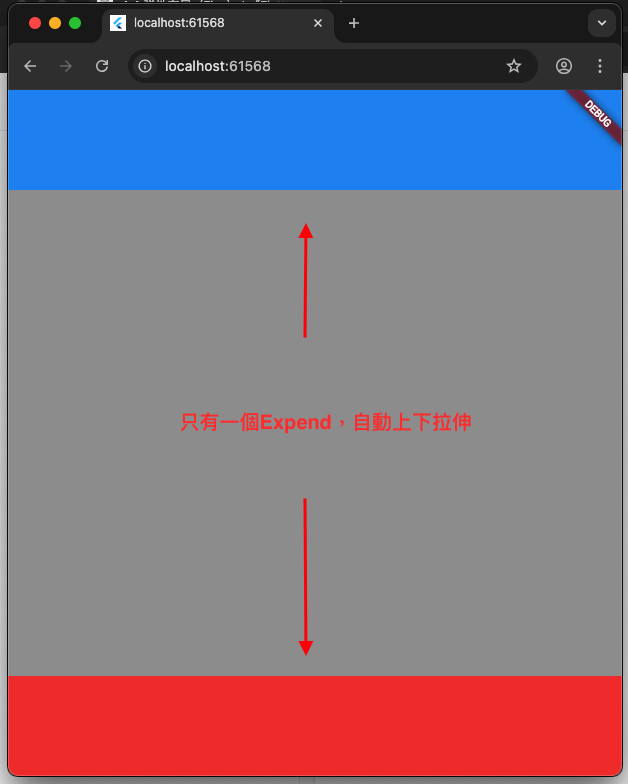
以下的程式碼,因為只有一個Expanded,所以不用設定flex,扣掉上面藍色與下方紅色,剩下的就是垂直拉伸空間。
1
2
3
4
5
6
7
8
9
10
11
12
13
14
15
16
17
18
19
20
21
22
23
24
25
26
27
28
29
30
31
32
33
import 'package:flutter/material.dart';

void main() {
  runApp(MainPage());
}

class MainPage extends StatelessWidget {
  const MainPage({Key? key}) : super(key: key);

  @override
  Widget build(BuildContext context) {
    return MaterialApp(
        home: Scaffold(
      body: Container(
        color: Colors.amber,
        child: Flex(
          direction: Axis.vertical,
          children: [
            Container(
              color: Colors.blue,
              height: 100,
            ),
            Expanded(child: Container(color: Colors.grey)),
            Container(
              color: Colors.red,
              height: 100,
            ),
          ],
        ),
      ),
    ));
  }
}