pip pycharm 第三方套件
終端機安裝
以下適用於Mac。
進入終端機
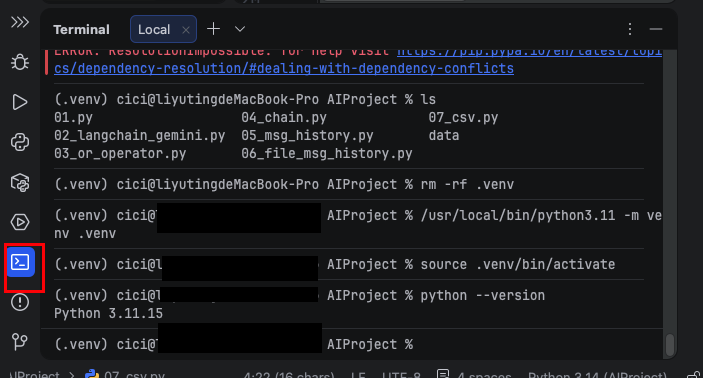
打開終端機,輸入pip3,主要使用的指令有install,uninstall,list。
% pip3

Usage:
  pip3 <command> [options]

Commands:
  install                     Install packages.
  lock                        Generate a lock file.
  download                    Download packages.
  uninstall                   Uninstall packages.
  freeze                      Output installed packages in requirements format.
  inspect                     Inspect the python environment.
  list                        List installed packages.
安裝第三方套件
pip3 install requests
列出安裝清單
% pip3 list
Package            Version
------------------ ---------
certifi            2026.2.25
charset-normalizer 3.4.6
idna               3.11
pip                25.3
requests           2.32.5
urllib3            2.6.3
移除第三方套件
% pip3 uninstall requests
Found existing installation: requests 2.32.5
Uninstalling requests-2.32.5:
  Would remove:
    /Library/Frameworks/Python.framework/Versions/3.14/lib/python3.14/site-packages/requests-2.32.5.dist-info/*
    /Library/Frameworks/Python.framework/Versions/3.14/lib/python3.14/site-packages/requests/*
Proceed (Y/n)? y
  Successfully uninstalled requests-2.32.5
不設定版本,下載最新版本。
pip3 install openai
設定版本
pip3 install openai=設定版本
pip3 install openai=2.13.0
使用 show 可查詢套件詳細資訊。
% pip show openai
Name: openai
Version: 2.43.0
Summary: The official Python library for the openai API
Home-page: https://github.com/openai/openai-python
Author:
Author-email: OpenAI <support@openai.com>
License: Apache-2.0
Location: /Users/cici/PythonProject/AIProject/.venv/lib/python3.11/site-packages
Requires: anyio, distro, httpx, jiter, pydantic, sniffio, tqdm, typing-extensions
Required-by:
Pycharm
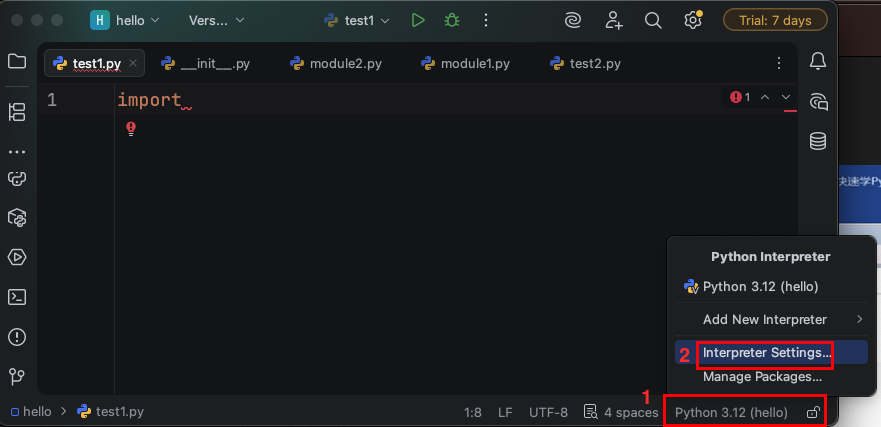
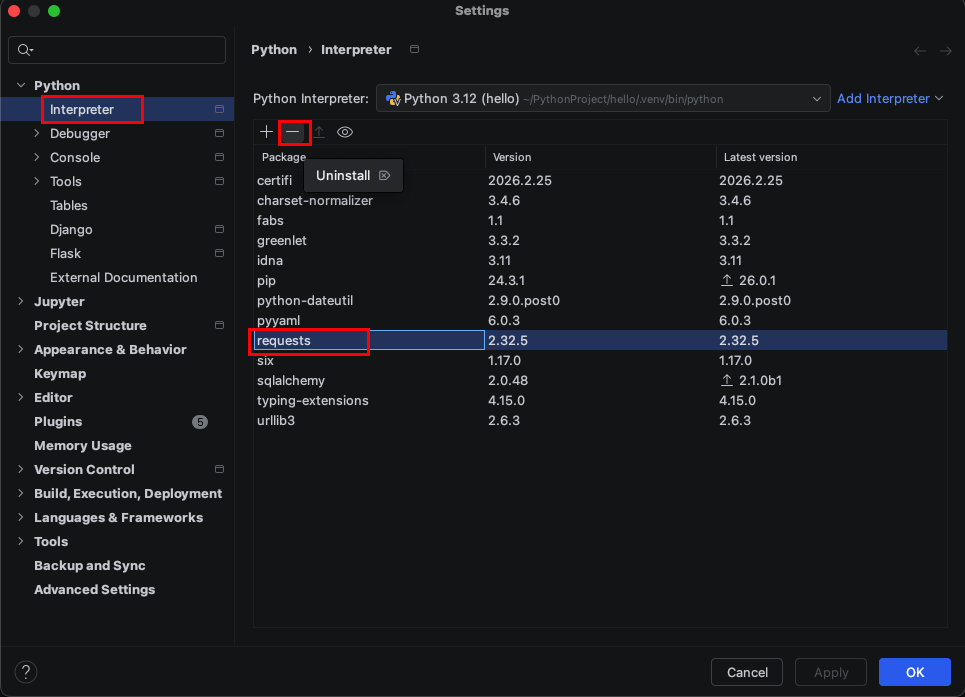
選擇 + ,安裝時視窗底部會有一個安裝進度條。
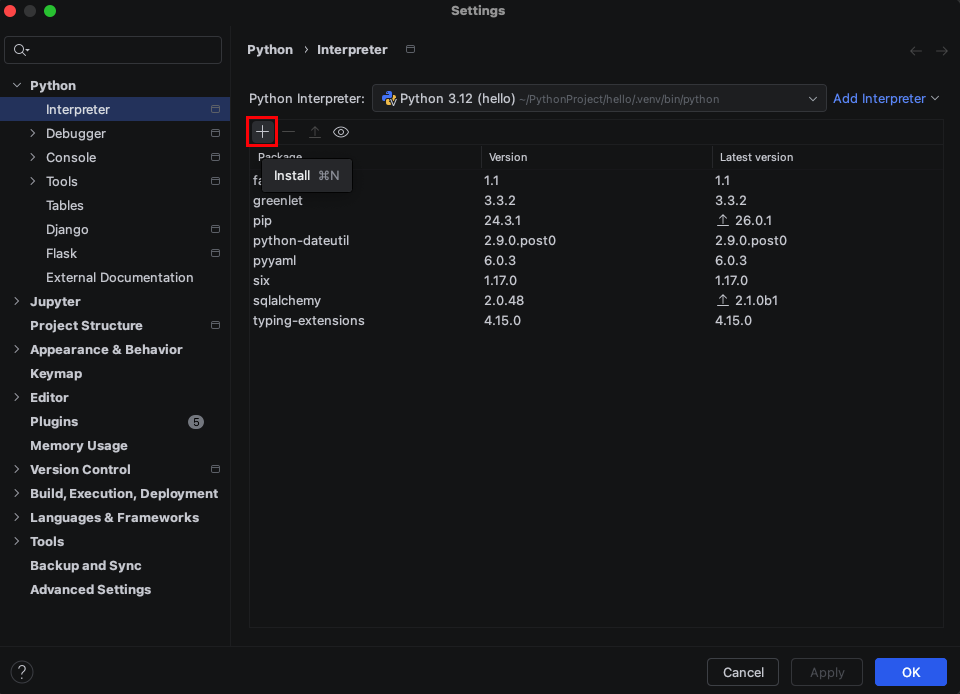
輸入要安裝的第三方套件。
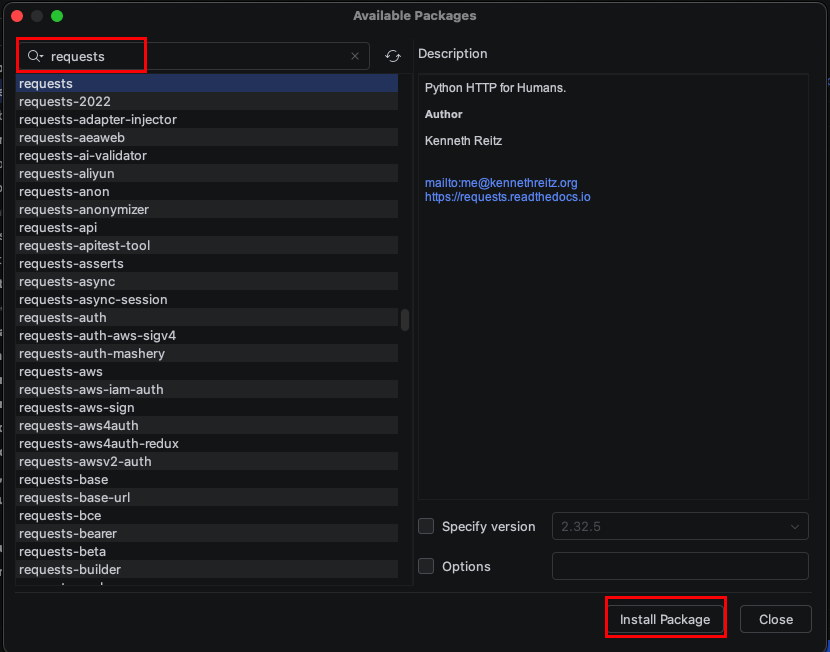
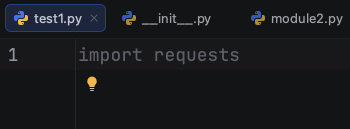
測試一下是否能import 第三方套件。
刪除第三方套件,移除時視窗底部會有一個移除進度條。