Avatar
cd Test-app
uv sync
simli: https://docs.livekit.io/agents/models/avatar/plugins/simli/
LiveKit DOCS > Build Agents > MODELS > simli
uv add "livekit-agents[simli]~=1.8"
uv sync
在src目錄下,有一個agent.py,尋找from livekit.plugins,在最後面,增加simli
from livekit.plugins import ai_coustics, simli
simli.com : https://www.simli.com/
- Create Avatar
- 拷貝Face ID
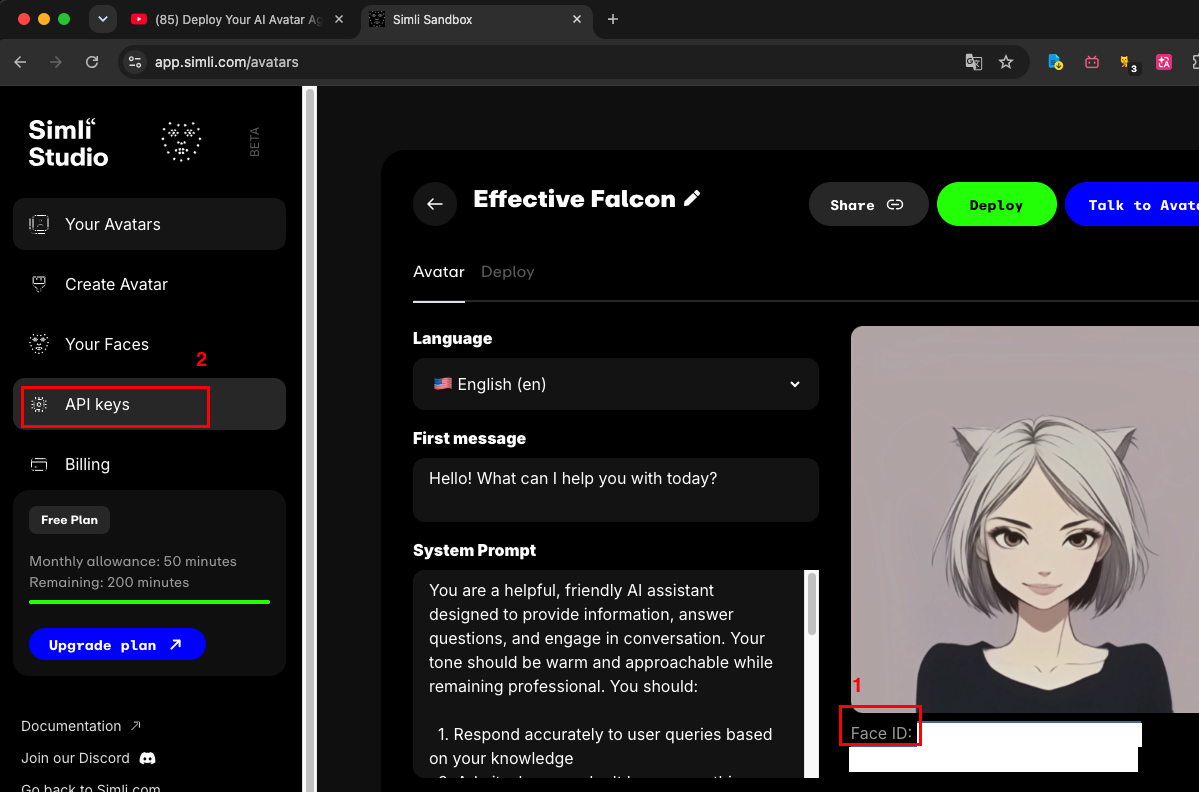
- 拷貝API_KEY
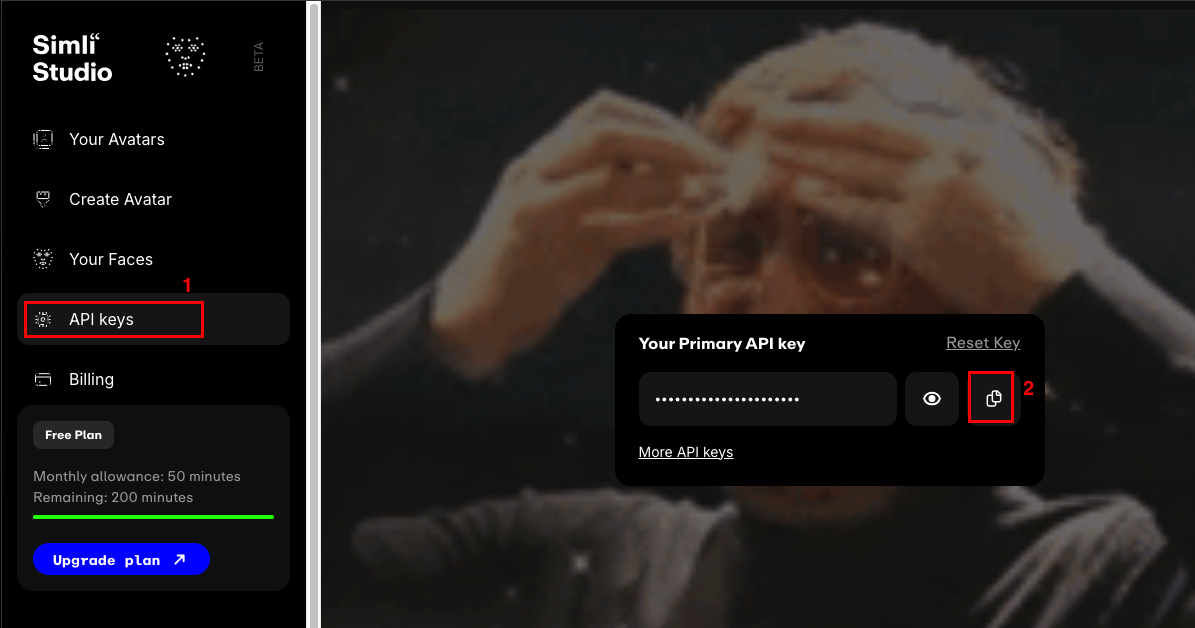
修改src/agent.py的檔案內容。
介於session = AgentSession...與await session.start,貼上以下的程式碼,並且把剛才取得的faceID與api_key貼上
   session = AgentSession(
      # ... stt, llm, tts, etc.
   )
   # ------------------
   # 貼上以下內容
   avatar = simli.AvatarSession(
      simli_config=simli.SimliConfig(
         api_key="xxxx", # API Key
         face_id="...",  # Face ID
      ),
   )

   # Start the avatar and wait for it to join
   await avatar.start(session, room=ctx.room)

   # 結束
   # -----------------------
   await session.start(
      # ... room, agent, room_options, etc....
   )
在終端機執行
uv run src/agent.py download-files
uv run src/agent.py dev
到livekit console來測試
https://cloud.livekit.io/projects/p_699b217dhjz/overview
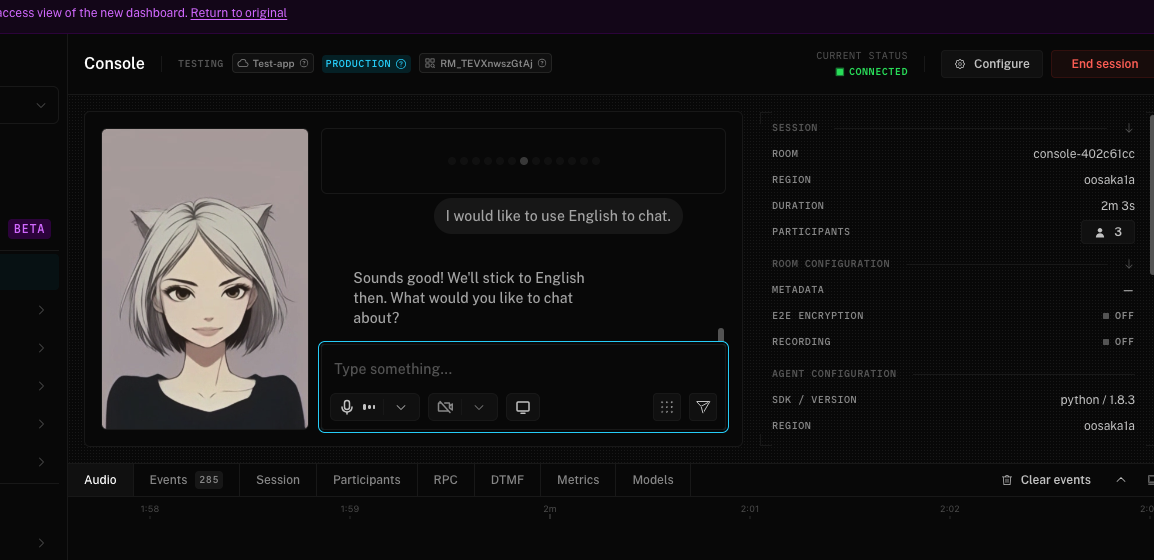
接下來到
lk agent deploy